Installation and startup issues
Errors that surface at install time or on the first run, and how to recover.
Last updated August 19, 2026
"There is a problem with this Windows Installer package"
The full message reads: "There is a problem with this Windows Installer package. A program run as part of the setup did not finish as expected." This means a Microsoft Visual C++ Redistributable expected by the DBConvert installer is missing on the machine.
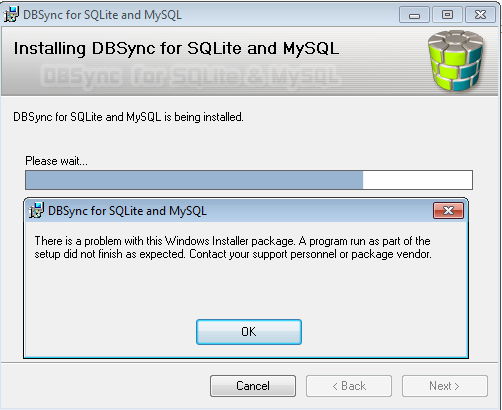
Fix: install all of these x86 redistributables:
- Microsoft Visual C++ 2008 x86 Redistributable
- Microsoft Visual C++ 2010 x86 Redistributable
- Microsoft Visual C++ 2013 x86 Redistributable
- Microsoft Visual C++ 2015 x86 Redistributable
Identifying the specific missing library
When the installer error dialog is still on screen, do not close it. Open the DBConvert program directory (default C:\Program Files (x86)\DBConvert\<product>\) and double-click the product .exe directly. The OS will name the specific DLL it cannot find, which usually maps directly to one of the redistributables above.
If no desktop shortcut exists yet, run the executable from the install directory in the same way.
Fast Database core error
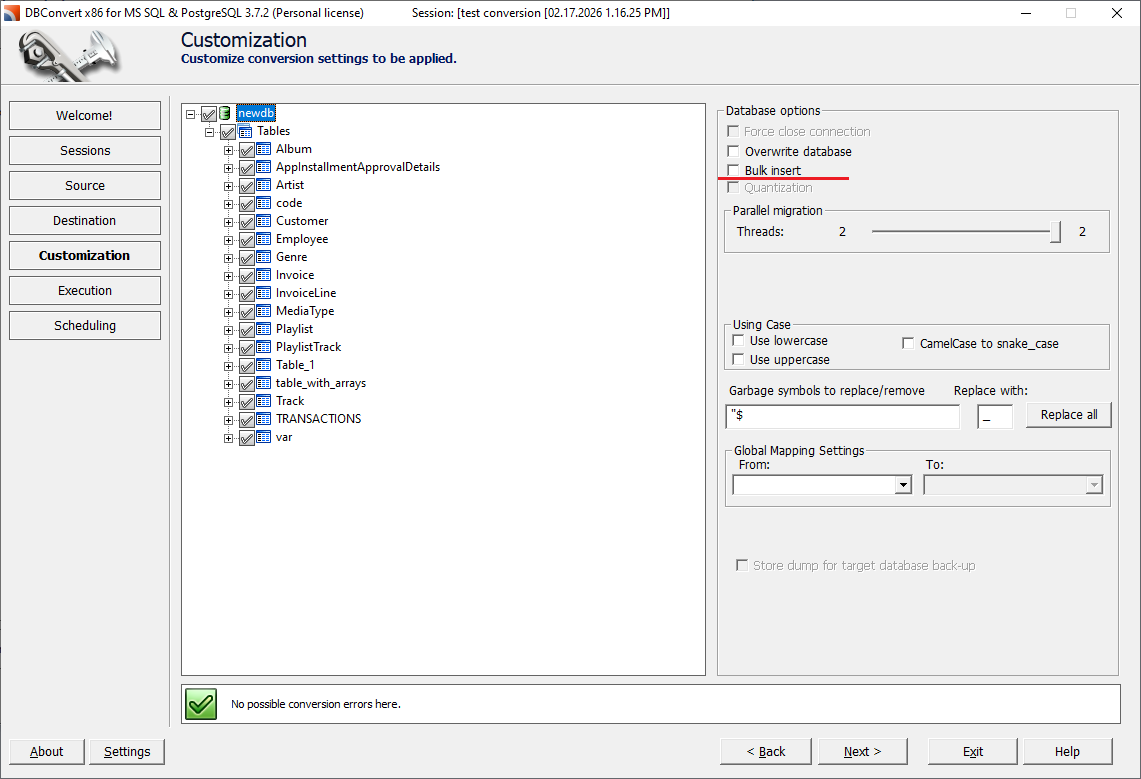
Symptoms: unhandled exception, operation stopped, "Closing connections" in the log. Typically raised on large transfers when the default Bulk insert mode does not agree with the target.
Fix:
- At the customization stage, uncheck Bulk insert and rerun. This option is enabled by default for large transfers and is the most common cause of the error.
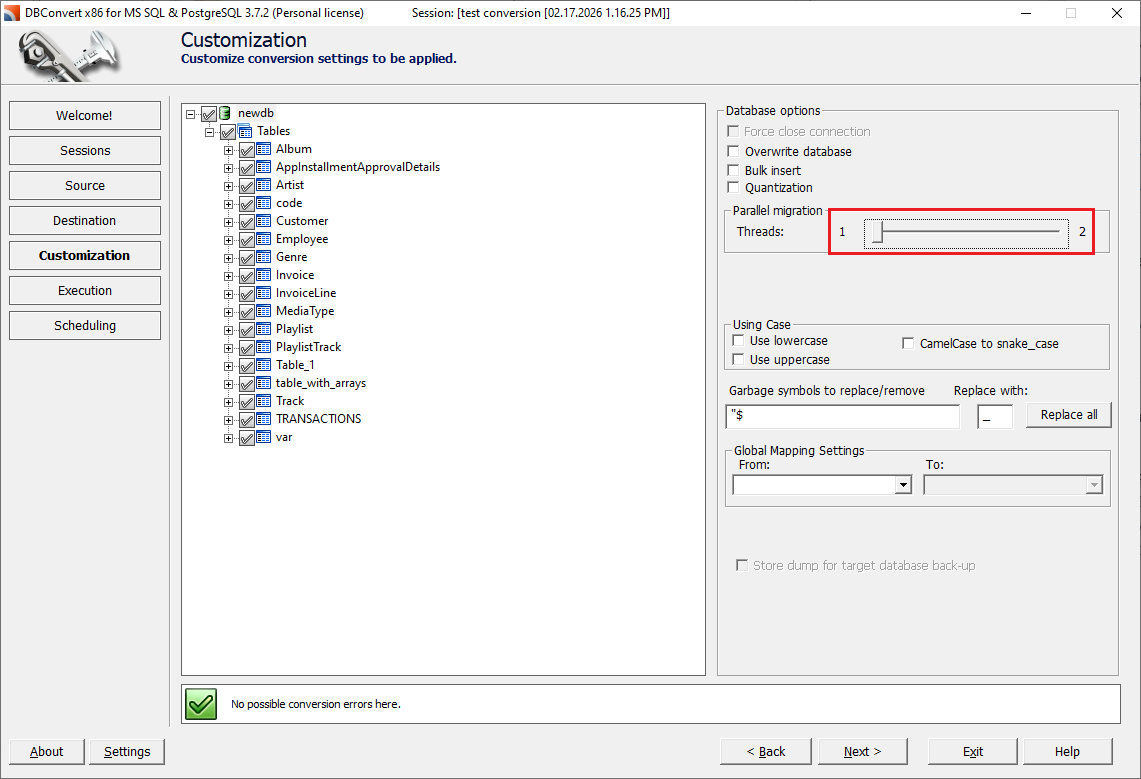
- If the error persists, reduce parallelism: set the data-processing threads to 1, with or without Bulk insert.
The same error can also come from a damaged session (.sav) file rather than the data - see If a session file is damaged.
Match the build bitness (x86 / x64) to native database clients
Some engines need a native client or database driver installed on the machine where DBConvert runs, and its bitness must match the DBConvert build. An x64 build needs the x64 client; an x86 build needs the x86 client. Mixing bitness causes connection failures or a crash on Test Connection.
- Oracle - install the matching Oracle Client. See ORA-28040.
- MS Access - the Microsoft Access database engine (runtime) must match the build bitness; a mismatch typically hangs and then closes the program when you open an
.accdb/.mdbsource.
Firebird / InterBase connection
Connecting to a Firebird or InterBase database requires the correct server credentials and a compatible server version. A single .fdb file can open in one product build but fail in another, so confirm which Firebird server version the file was created with and that the connection settings point at a server that can open it.