DB2 server connection error
Resolve "Connection failed. Please check parameters" when connecting to IBM DB2.
Last updated July 26, 2026
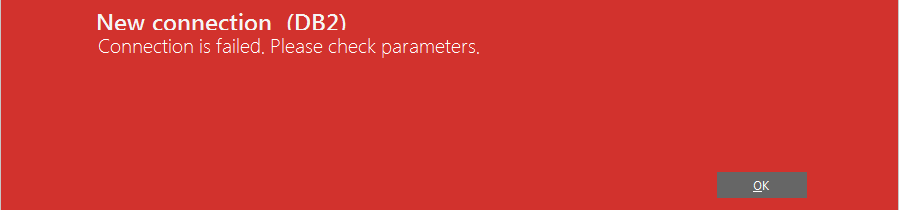
This error means DBConvert cannot reach the DB2 server. The most common cause is that the IBM Data Server Client is not installed on the machine running DBConvert or DBSync. The DB2 protocol requires IBM's client libraries; without them DBConvert cannot speak to a remote DB2 instance.
Install the IBM Data Server Client
1. Open the IBM download page
Open IBM Fix Central:
http://www-01.ibm.com/support/docview.wss?uid=swg21385217
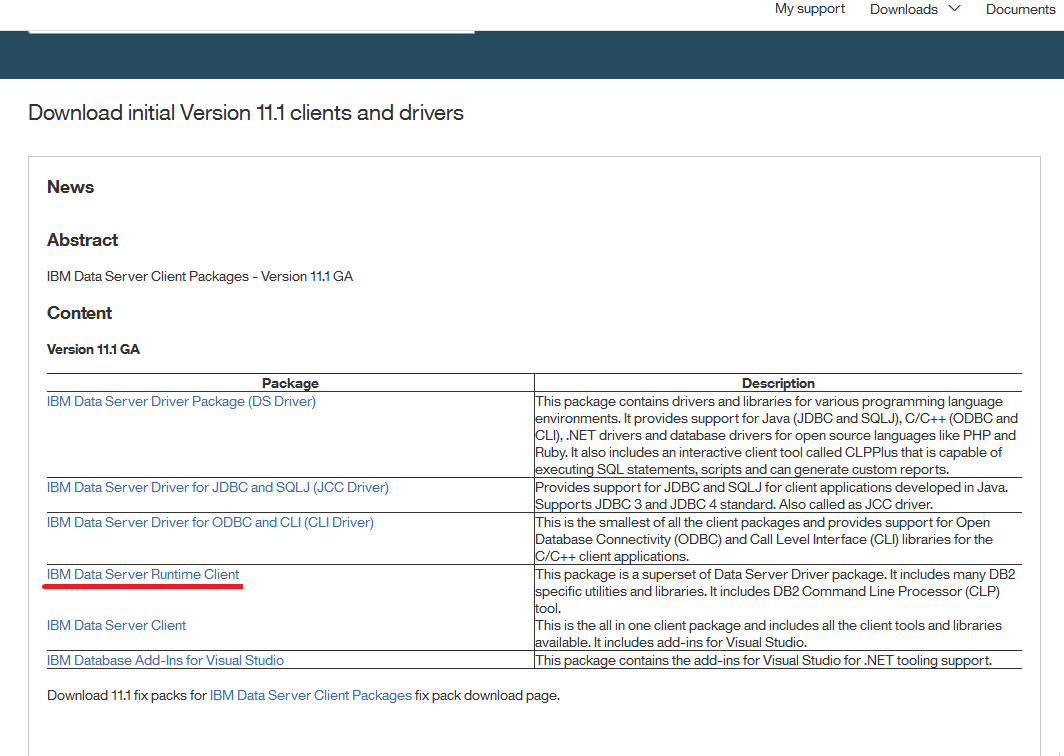
2. Pick the right bitness
Select the 32-bit or 64-bit build of IBM Data Server Runtime Client. The bitness must match the Windows OS where DBConvert is installed.
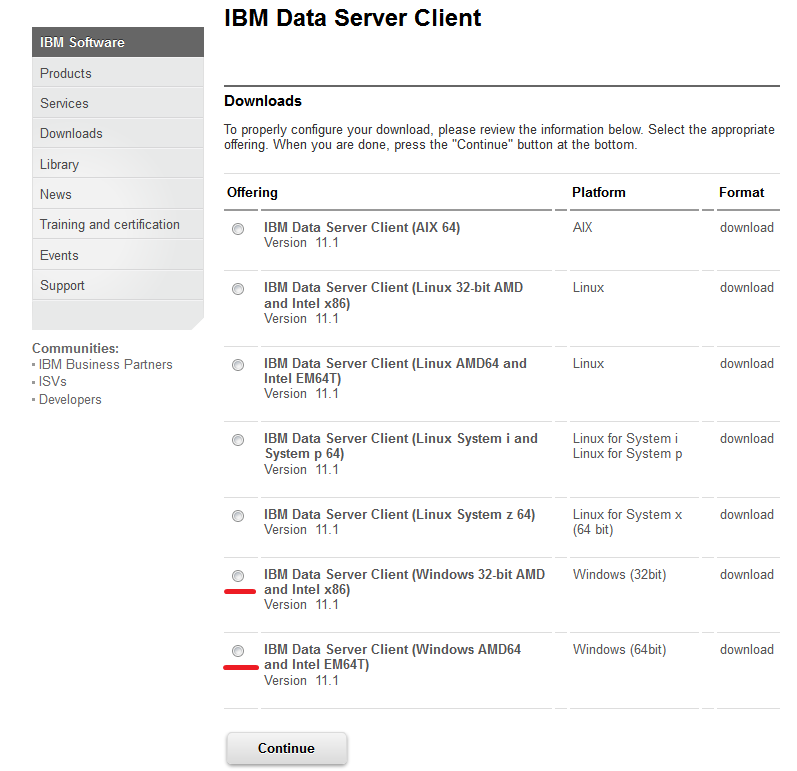
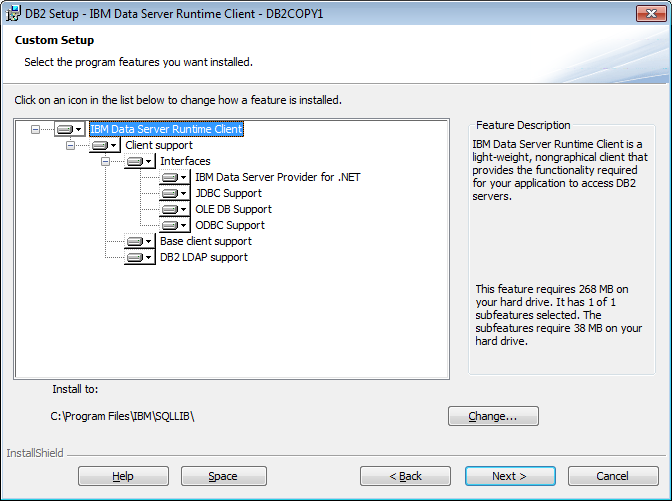
3. Install and reconnect
Run the installer, then return to DBConvert and test the connection again.
Other things to check
- Server host and port are correct (default DB2 port is 50000).
- The user account has CONNECT privilege on the target database.
- Firewall rules allow the connection on the DB2 port.
- If the server has multiple network interfaces, make sure DB2 is listening on the one DBConvert is connecting to.