Register your DBConvert license
After your purchase you receive a registration code by e-mail. Enter it in the product to unlock the full version. Here is how to register and how to confirm it worked.
Last updated July 10, 2026
The trial and the full version are the same program. There is no separate "full" or "paid" download. After you purchase, you register the program you already installed with your registration key, which switches it from trial to the full licensed version - nothing else to download.
Where to find your registration key
The registration key is delivered to your e-mail as soon as your order is processed. If you have not received the e-mail with the license information within 6 hours, please check your SPAM folder, and contact us if it is still missing.
Register the product
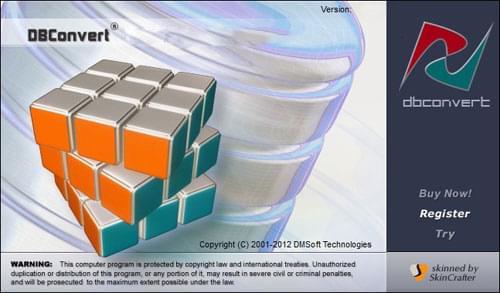
Start the DBConvert tool and click the Register button.
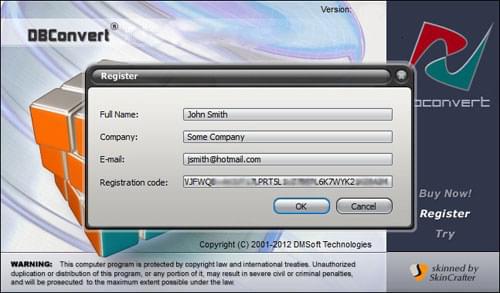
In the Registration window, enter the registration information exactly as it appears in the e-mail you received. Use the same data as in your order form (full name, company, e-mail, etc.).
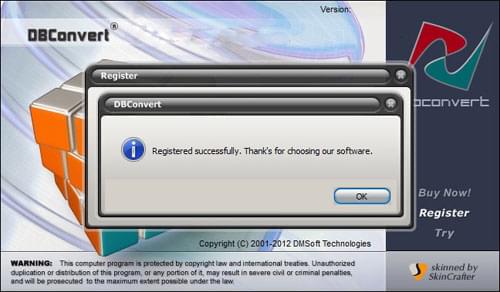
Click OK to complete the registration. If everything is correct, the Registered successfully message appears.
If registration fails
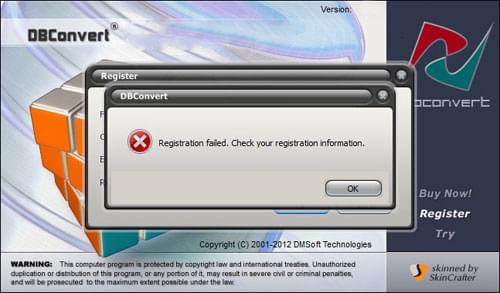
If the Registration failed message is shown instead, make sure there is no blank character at the beginning or the end of the key.
If the problem remains after re-checking the key, please contact our support.
Confirm the registration
After a successful registration, your identification data is added to the About DBConvert tool window.
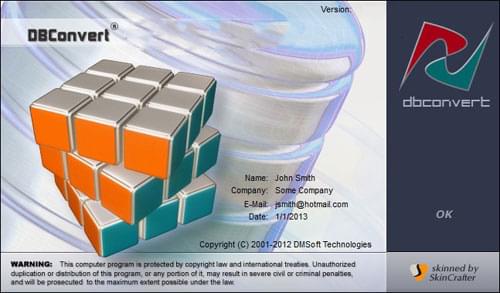
Note: you can start the registration from any stage ("Choose a Data Source", "Choose a Destination", "Choose Appropriate Options") by pressing the About button, which brings you back to the About DBConvert tool window.