Connect Azure SQL
Azure SQL Database as a source or target, through an ordinary SQL Server connection.
Last updated November 4, 2026
Azure SQL Database is SQL Server in Microsoft's cloud. DBConvert connects to it as to any SQL Server; logins, permissions and the rest are in Connect SQL Server.
Connect
- In the Azure portal, open the server's Networking page and add a firewall rule for your computer's public IP. Without it, Azure refuses the connection.
- Create the database in the Azure portal. DBConvert does not create Azure databases, because each one is billed.
- In DBConvert, create a Microsoft SQL Server connection:
- Host: the server name, such as
myserver.database.windows.net. - Port: 1433.
- Username and Password: a SQL login. Windows Authentication does not work with Azure.
Encryption is on for any
*.database.windows.nethost, whether or not Encrypt connection (TLS) is ticked.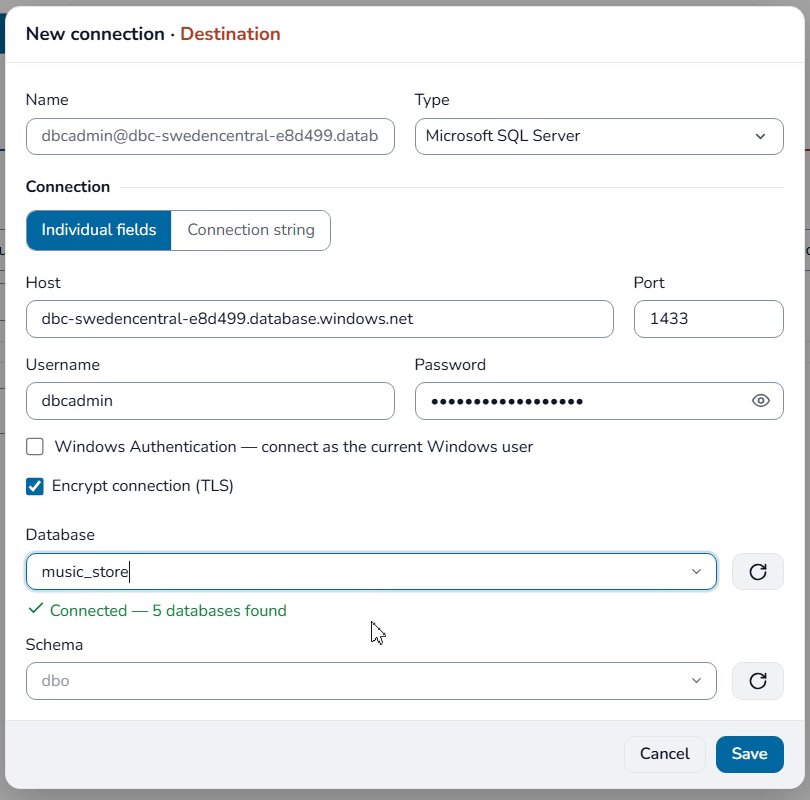
- Host: the server name, such as
- Click Connect and pick the database.
Convert and sync
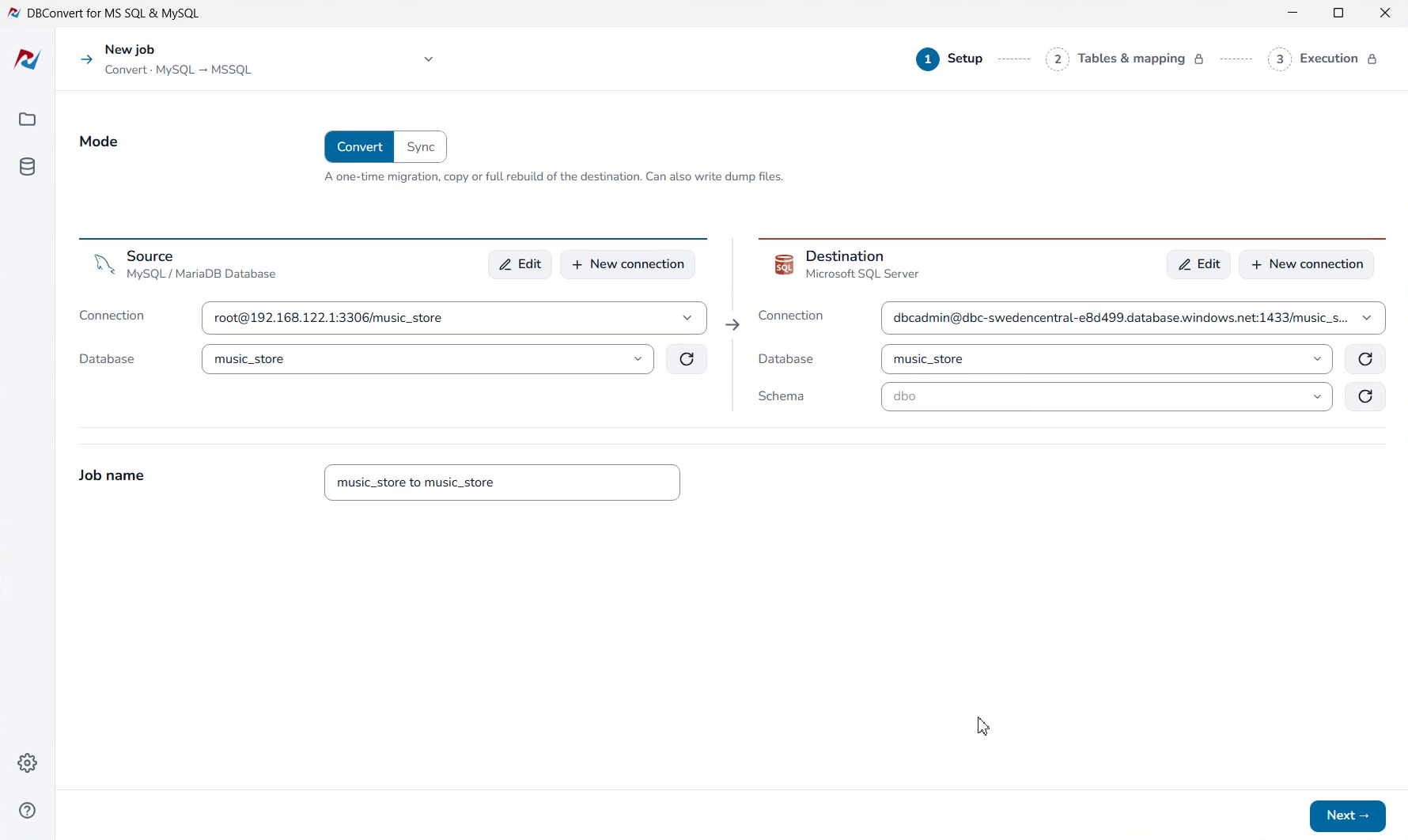
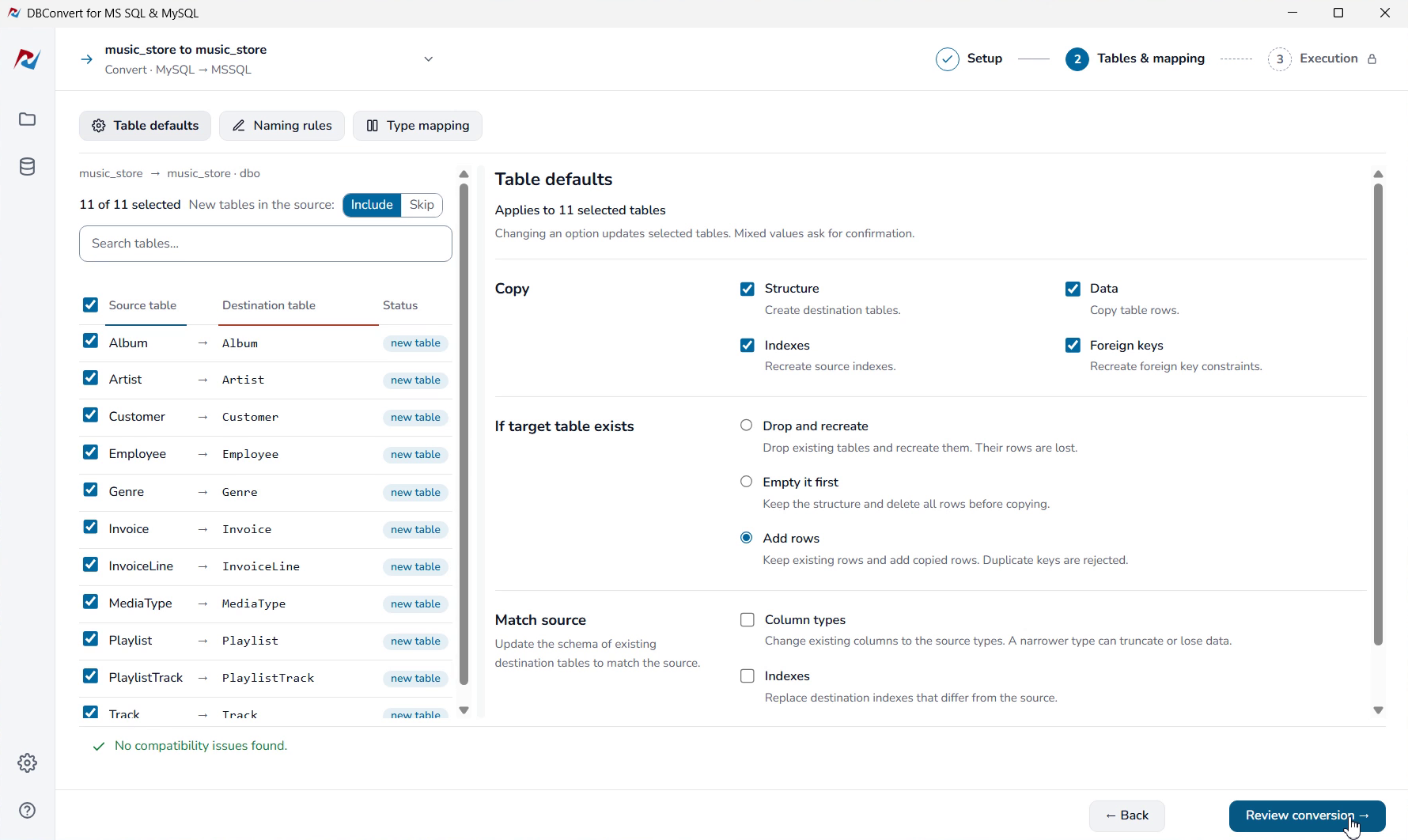
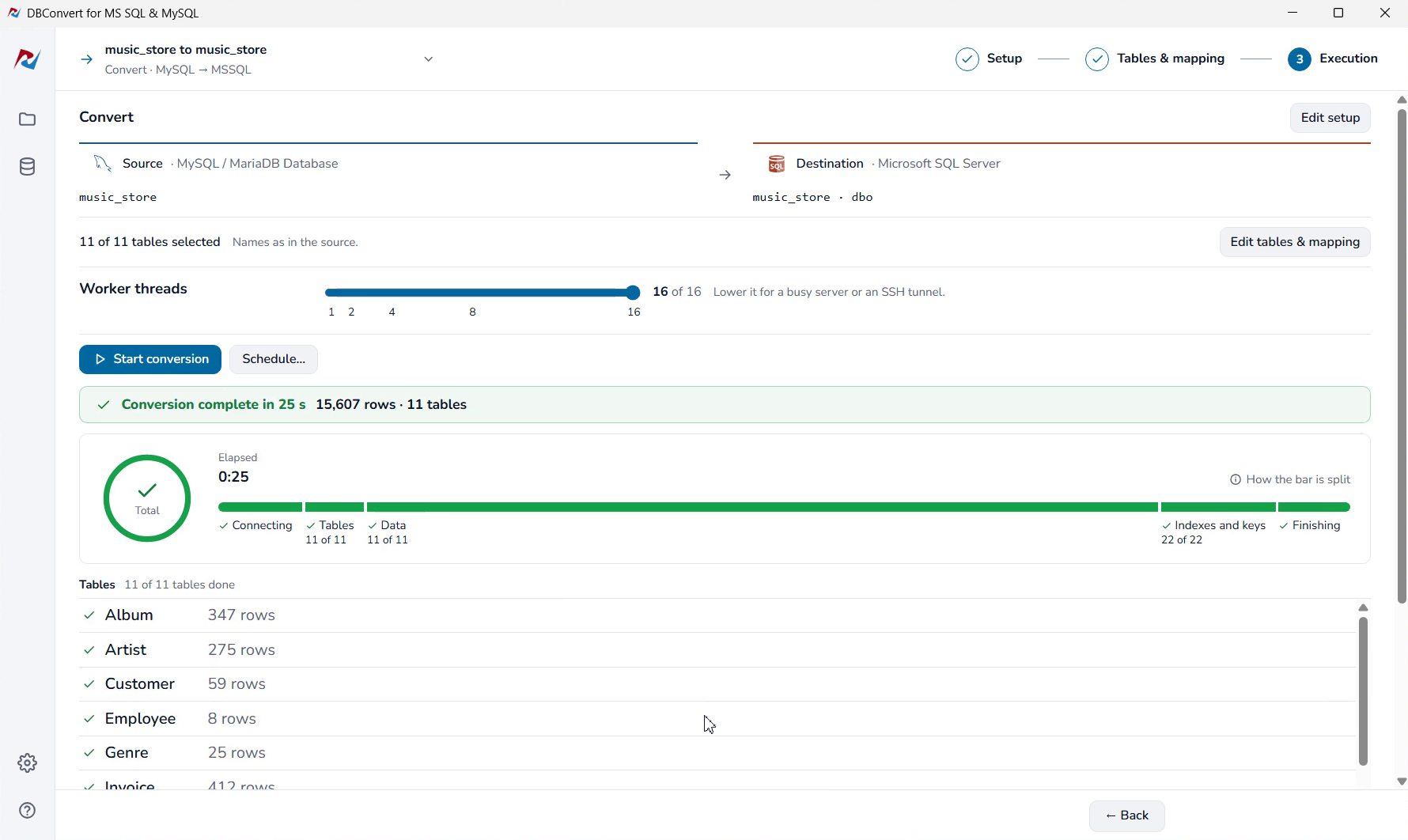
Azure SQL works in both directions, as a source or a target, in Convert and in Sync.