Verify the copy
Proof that the destination holds what the source has.
Last updated November 8, 2026
A run can finish without errors and still leave changed data. Some servers store a value they cannot hold in another form instead of refusing it. Verify finds this.
Three levels
- Schema - every table and column is in the destination, with the planned type.
- Totals (Check totals) - row counts, sums, earliest and latest dates and the total text length match on both sides. Fast: no rows are read.
- Rows (Compare rows) - every row in the destination matches the row that was copied. Shows which rows and which columns differ.
"Totals match" is not "every value matches". A character written as ? keeps the length and every sum. Only Compare rows finds it.
Verify after the run
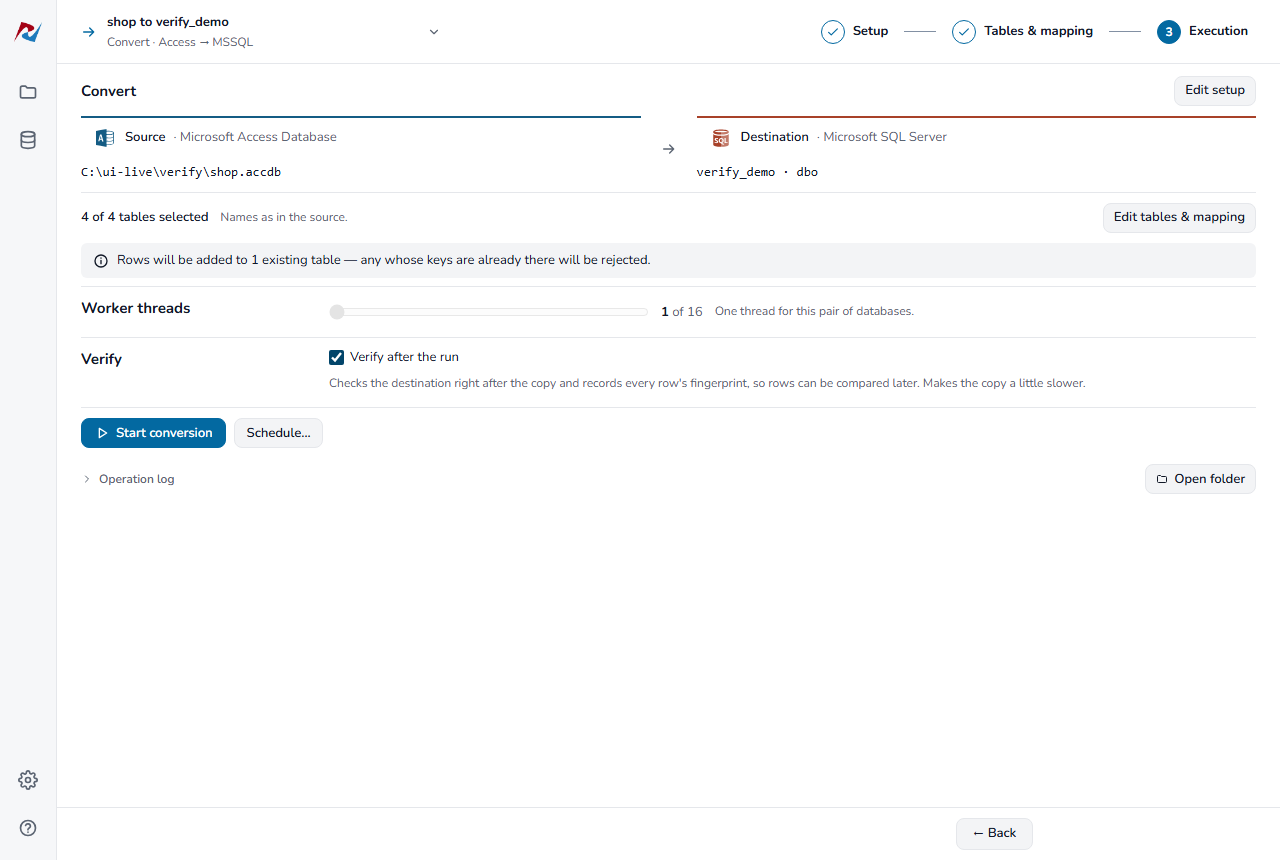
Tick Verify after the run on the Execution step. The copy then remembers every row it writes and checks the destination as soon as it ends. The copy is a little slower.
Compare rows is only available for runs made with this option on. Without it you can still check schema and totals.
When a table differs
The table shows what differs, for example born — min: source 1712-06-01, destination 1753-01-01. A SQL Server DATETIME column cannot hold dates before 1753.
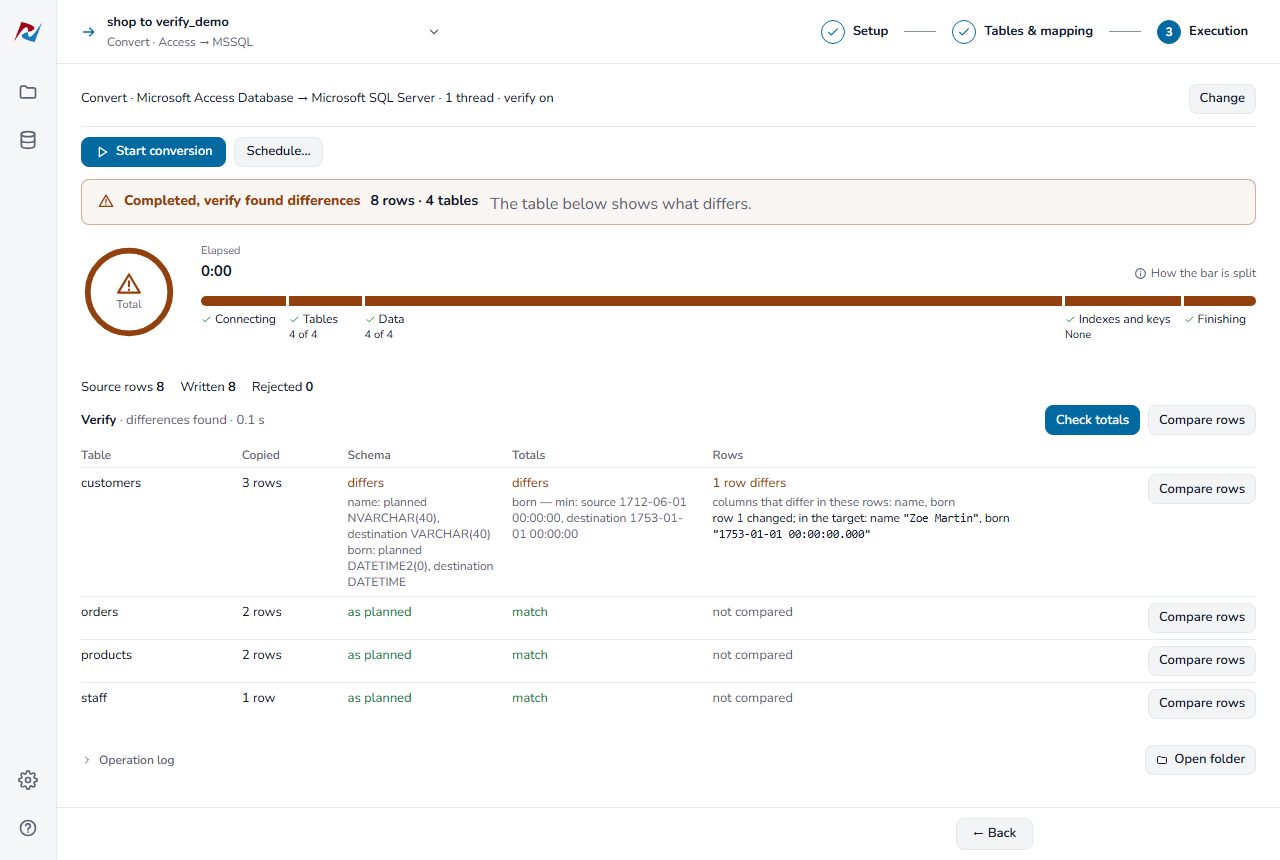
- Click Compare rows for that table to see the rows.
- Change the column's type in Tables & mapping, or fix the values in the source.
- Run the job again.