Data Migration Software for Databases and the Cloud
Migrate databases between SQL Server, MySQL, PostgreSQL, Oracle, MariaDB, and 30+ other systems - on-premise, cloud, or cross-cloud.
When the source and target run different engines - a heterogeneous migration - the schema has to be rebuilt, not copied. DBConvert reads the source schema, creates the target structure with matching data types, recreates indexes and foreign keys, translates views into the target dialect, and transfers the rows.
For live systems, recurring synchronization keeps old and new databases aligned until cut-over.
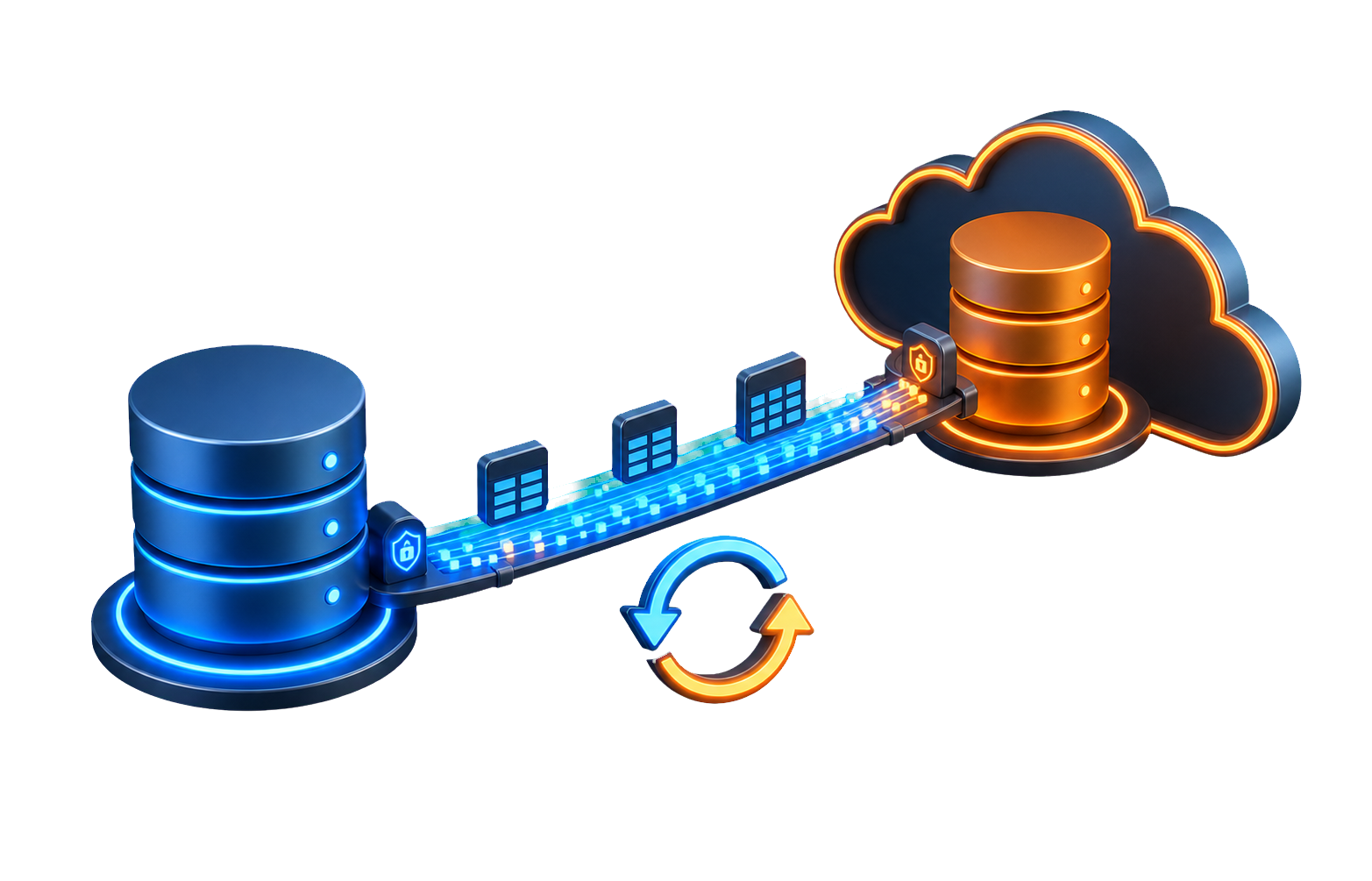
What you can do with it
Migrate to a new engine
Move a whole database or just the tables you pick to a different platform. Schema, indexes, and foreign keys are rebuilt on the target.
Migrate to the cloud
Move an on-premise database into Amazon RDS, Azure, or Google Cloud SQL - or between providers - the same way you'd move it locally.
Stage the cut-over
Keep the old and new databases aligned with recurring synchronization - one-way or both directions, scheduled or trigger-based - so you switch over with minimal downtime.
Save and re-run
Save a migration and run it again across dev, staging, and production, or drive it from the command line and the built-in scheduler.
Data migration tools compared
Most database migrations come down to four kinds of data migration tools. Picking the right one matters more than any single feature list - here is when each fits.
Cloud-vendor services
AWS DMS, Azure Database Migration, Google Cloud DMS
Best for: managed migrations into AWS, Azure, or Google Cloud, often with CDC/ongoing replication to reduce downtime.
Watch out: cloud-vendor scope and setup complexity. For cross-engine CDC without committing the whole workflow to one cloud vendor, DBConvert Streams provides log-based replication too.
Schema and code conversion tools
SSMA, AWS SCT, commercial code-conversion tools
Best for: converting schema objects, data types, and database-specific code between engines.
Watch out: data movement and code conversion are not always the same workflow. Some tools focus on schema/code first; others include data transfer, but complex stored procedures, triggers, and application-specific SQL still need review.
Scripts and dumps
mysqldump, pg_dump, bcp, COPY
Best for: a free, same-engine dump and restore you fully control.
Watch out: manual and command-line only, and cross-engine type mapping is easy to get wrong - no review before data lands.
DBConvert
Desktop, one-time license
Best for: cross-engine schema-and-data migration with type mapping reviewed up front, saved repeatable jobs, and scheduled or trigger-based synchronization.
Plus: on-premise ↔ cloud, one-time license, and DBConvert Streams for continuous CDC.
A database migration in five steps
Connect source and target
Point DBConvert at the source database and the target engine - on-premise or cloud. It reads the schema for you; there's no manual export and re-import in between.
Review the mapping it proposes
DBConvert maps the data types automatically and flags anything that won't convert cleanly, right in the wizard - so you adjust it before a single row moves. No manual type audit, no separate trial run to discover problems.
Run the transfer
Schema, data, indexes, and foreign keys move to the target in one pass. Check the row counts and objects when it finishes.
Stage the cut-over with synchronization
Keep the old and new databases in step with recurring synchronization while you test the new system, then switch with minimal downtime.
Switch and verify
Repoint the application and keep the old database as a fallback until the new one is proven.
What DBConvert migrates
Relational engines, file-based databases, and managed cloud services. Pick a database to see its migration paths.
 Access
 Amazon Aurora
 Amazon RDS
 Azure SQL
 Citus
Citus
 CockroachDB
DA
Databricks Lakebase
CockroachDB
DA
Databricks Lakebase
 dBase / xBase
 DigitalOcean
 EDB Postgres
 Excel
Excel
 Firebird
 FoxPro
 Google cloud
 Greenplum
 Heroku
 IBM DB2
 InterBase
 JSON
JSON
 MariaDB
 MySQL
MySQL
 Neon
Neon
 Oracle
 Percona
 PostgreSQL
 SingleStore
 SkySQL
 SQL Server
 SQLite
 Supabase
 TiDB
TiDB
 Vitess
 YugabyteDB
Frequently asked questions
Does it migrate stored procedures, triggers, and functions?
No - procedural code isn't auto-translated between database dialects. DBConvert migrates the schema and the data; stored procedures, triggers, and functions you rewrite for the target engine.
How much does DBConvert cost?
DBConvert is a one-time license per database pair, with a free trial first - no subscription. Check the download and pricing pages for current prices.
Can DBConvert keep the old and new databases in step during a cut-over?
Yes. Besides the one-time migration it runs recurring synchronization - one-way or both directions, scheduled or trigger-based - so the old and new databases stay in step while you test, and afterwards on a schedule.
Migrate your database with DBConvert
Download the trial, connect a real source and target, and run a migration. Nothing leaves your machine.