Data Conversion Software for Databases, Files, and Cloud
Convert data between 30+ databases and Excel - SQL Server, MySQL, PostgreSQL, Oracle, SQLite, Access, and more, in either direction.
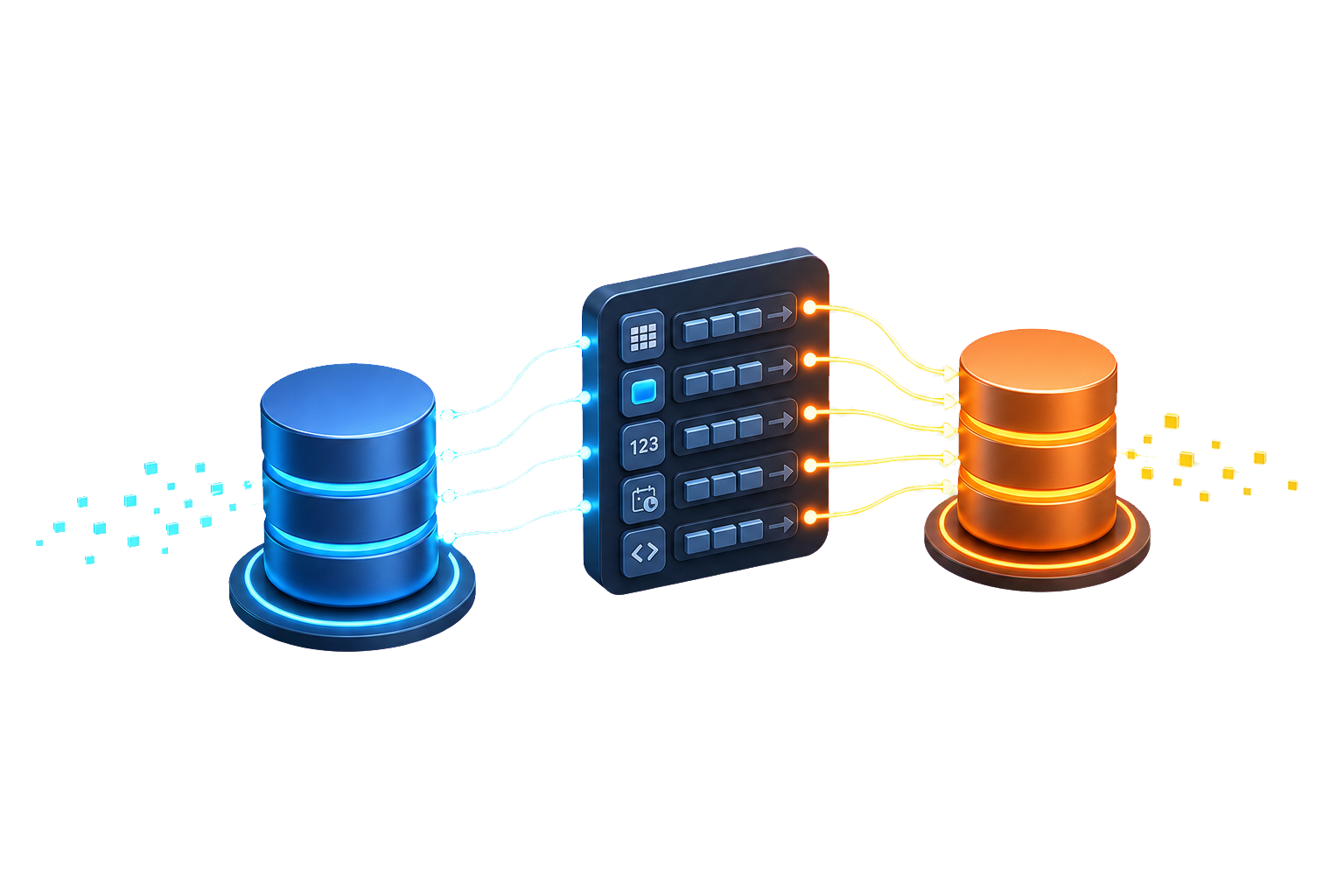
DBConvert maps each source data type to its target equivalent, converts character encodings, and recreates the schema - indexes and foreign keys - so the data lands ready to use.
You review the type mapping before anything runs, and the conversion can repeat on a schedule when the source keeps changing.
Databases it converts
Relational engines, file-based databases, Excel, and managed cloud services. Pick a database to see what it converts to and from.
 Access
 Amazon Aurora
 Amazon RDS
 Azure SQL
 Citus
Citus
 CockroachDB
DA
Databricks Lakebase
CockroachDB
DA
Databricks Lakebase
 dBase / xBase
 DigitalOcean
 EDB Postgres
 Excel
Excel
 Firebird
 FoxPro
 Google cloud
 Greenplum
 Heroku
 IBM DB2
 InterBase
 JSON
JSON
 MariaDB
 MySQL
MySQL
 Neon
Neon
 Oracle
 Percona
 PostgreSQL
 SingleStore
 SkySQL
 SQL Server
 SQLite
 Supabase
 TiDB
TiDB
 Vitess
 YugabyteDB
What DBConvert converts - and what bites
Converting between engines is more than copying rows. Here's what DBConvert handles automatically, the gotchas it catches before the run, and the one part that still needs you.
Data types
Each source type maps to the closest target:
Include only safe types hides any lossy mapping - no silent truncation.
Keys, indexes, foreign keys
Indexes and foreign keys are recreated on the target. Auto-increment is rebuilt the target's way:
A non-primary-key auto-increment column is flagged before the run.
Encoding and Unicode
Character data is converted to the target's character set with full Unicode - non-Latin text comes across intact instead of turning into question marks.
Names and identifiers
Characters an engine won't allow in names - spaces, brackets, quotes - are replaced in bulk. Normalize every object name in one pass:
Views
For supported engine pairs, view definitions are translated to the target dialect - not dropped on the floor.
What still needs you
DBConvert moves data and structure. This logic isn't auto-translated between dialects - you rewrite it:
You see the conversion before a single row moves
Conversion problems are cheap to fix before the run and expensive after. DBConvert checks the target structure first and shows you exactly what it will build.
Pre-run checks
The destination tree marks every issue - red blocks the run, yellow is worth fixing while you're there: missing index fields, cyclic references, illegal names. Double-click a flag to jump to it.
Review and override
Every field, index, and foreign key shows its target definition. Change its type, length, or nullability - per object, or globally across the database in one place.
Runs on your machine
DBConvert connects directly to source and target and runs locally. No upload step, no third-party service in the path of your data.
Scope and tune the conversion
A conversion is rarely "everything, as-is." You decide which data crosses and how the run behaves.
Filter the rows
Move a subset with a WHERE clause, date range, or compound condition, with a live preview of the generated SQL and sample rows.
Pick the objects
Untick any table, field, or index. Copy structure only, data only, or both - and for MySQL targets, set the table engine and character set on the way in.
Tune for size
Parallel threads, bulk insert, and quantization keep large transfers fast without exhausting memory. See speeding up large transfers.
Try DBConvert on your own data
Download the trial, connect your real source and target, and run it. Nothing leaves your machine.