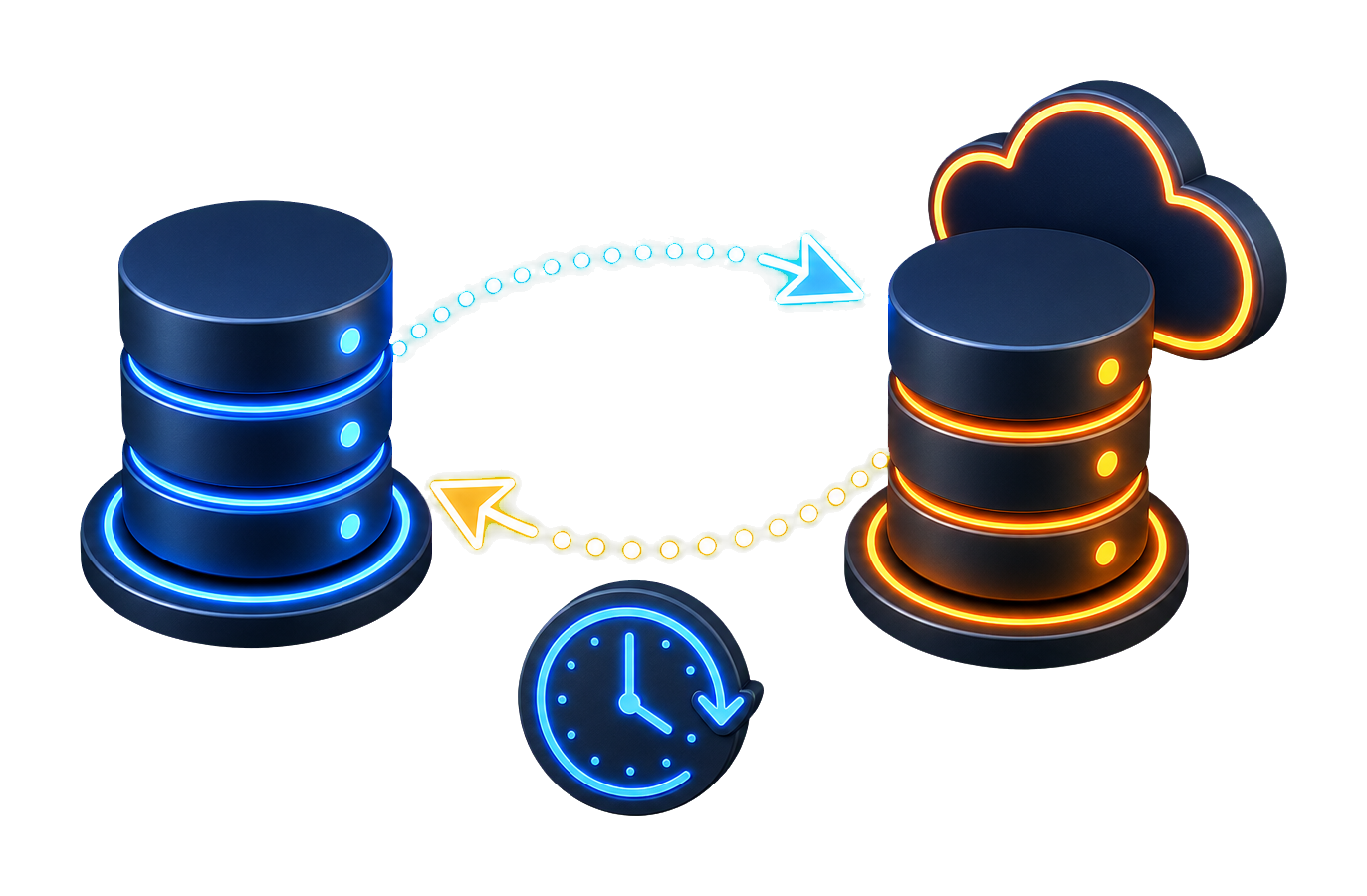
Convert or sync, chosen at step 1
One-time conversion moves schema and data across engines. Sync keeps both sides aligned afterwards - scheduled, trigger-based, one-way or bidirectional. Same connections, same job.

Move schema and data between SQL Server, MySQL, Oracle, PostgreSQL, Access, desktop and cloud databases - once, or on a schedule when both sides must stay aligned over time.
Conversion and synchronization are two modes of one application, not two products.
One-time conversion moves schema and data across engines. Sync keeps both sides aligned afterwards - scheduled, trigger-based, one-way or bidirectional. Same connections, same job.
SQL views are parsed and rewritten for the target dialect in the same tool, instead of being left for you to port by hand.
Every source type is shown against the type it will become on the target, and can be changed, before a single row lands.
Multi-core jobs process large tables in parallel where the source and target platforms allow it, with bulk insert on the writing side.
A configured job is saved and re-run - from the interface, on a schedule, or from the command line for unattended runs.
Write straight into the target database, or produce a local dump file when the target is not reachable from the machine doing the conversion.
Each pair tool can configure either database as source or destination when the product supports that direction. Use the finder above to locate a matching product page.
The deciding question is how many directions you work across, and whether changes have to keep flowing after the move.
The desktop products migrate tables, columns, indexes, views, and foreign keys. Stored procedures, functions, and triggers are not transferred and must be recreated manually.
Choose a database to see available conversion and synchronization paths.


Frequently used DBConvert product pages.
Watch a database migration and synchronization workflow in the DBConvert tools.
Three angles on the same toolkit - what it does, which tool fits your job, and how to run it step by step.
What DBConvert handles - type mapping, sync modes, filters, scheduler, CLI, dump output, and more.
Step-by-step walkthrough - connect source and target, map tables, run the job, save the session.
The overview - what DBConvert converts across 30+ databases, Excel, and the cloud, and where to start.
Send us a message
We answer within 24 hours.