
A Free Data Explorer for Checking MySQL and PostgreSQL Data Before and After Migration
A free inspection workspace for checking MySQL and PostgreSQL data before and after DBConvert, DBSync, or DBConvert Studio migration and sync runs.
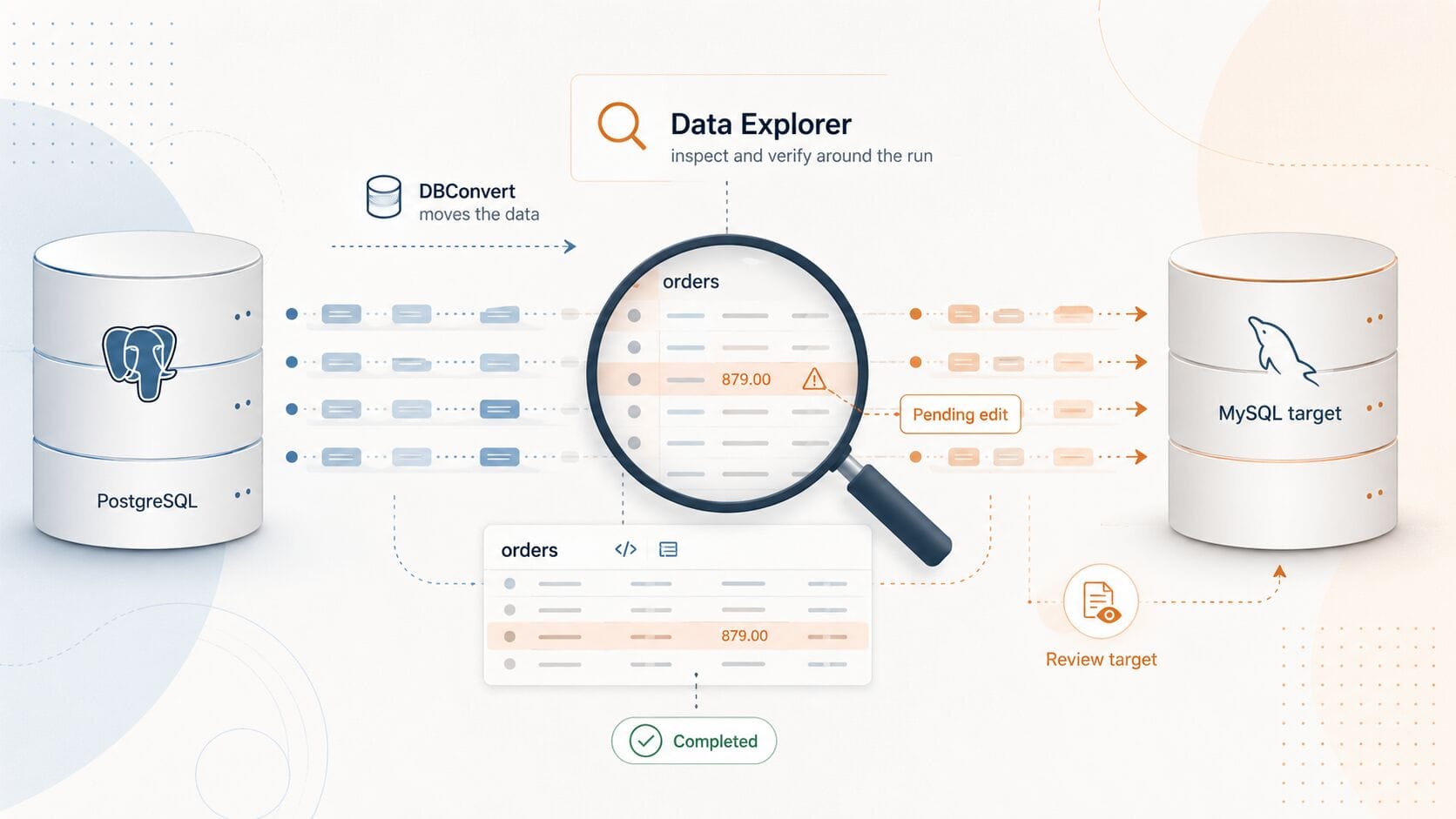
For DBConvert, DBSync, and DBConvert Studio users
If your work involves MySQL or PostgreSQL, Data Explorer from DBConvert Streams gives you a free place to inspect the data around the run: before conversion, after conversion, or during sync validation.
Try it: Data Explorer.
Setup and usage: Database Explorer docs.
DBConvert tools are built to move and synchronize data:
one-time conversion across 30+ engines,
repeatable sync jobs,
bidirectional compare-and-sync,
and trigger-based sync where supported.
They do the move well. But migration tools are usually optimized for running the job, not for the inspection work around it: opening the database, scanning rows, checking suspicious values, and confirming that the target looks right afterward.
Data Explorer is a free workspace for exactly that inspection step, for the MySQL and PostgreSQL part of your stack.
The part the migration tool doesn't cover
A conversion run is short. Trusting it is not.
You set up a job in DBConvert Studio, point it at a PostgreSQL target, run it. The job reports success. Now the real question starts:
did the rows actually land the way you expected?
Are the row counts right?
Did a numeric column survive the trip?
Is that created_at still in the right timezone?
This is the moment people leave the migration tool, open a separate SQL client, re-enter the same connection, and start checking the data manually. The job reported success in seconds; convincing yourself it's true takes the next half hour, in a different tool, with the connection typed again.
That gap — between "the tool says it's done" and "I've seen that it's done" — is not a migration feature. It is an inspection feature. It is where Data Explorer fits.
What it is, scoped honestly
Data Explorer connects to MySQL, MariaDB 10.2+, and PostgreSQL — including managed endpoints like Amazon RDS and Aurora, Google Cloud SQL, Azure Database, Neon, and Supabase, which connect as standard PostgreSQL/MySQL endpoints with no special integration.
It also reads local CSV, JSON, JSONL, and Parquet files and S3-compatible storage such as AWS S3, MinIO, DigitalOcean Spaces, and Wasabi.
That scope is intentional. Data Explorer goes deeper on MySQL, PostgreSQL, files, and S3, while the classic DBConvert tools keep the broader engine matrix for Oracle, SQL Server, Db2, Access, FoxPro, and other systems.
How this fits with DBConvert products
This is a companion workflow, not a replacement. Keep running conversions and sync jobs in DBConvert, DBSync, or DBConvert Studio. Open Data Explorer alongside them when the MySQL or PostgreSQL side needs a human look — before you trust the input, or after you trust the result.
What you actually do in it
Three things, no account required to start:
- Browse and inspect. Schemas, tables, views, columns, keys, indexes, generated DDL, row previews, table metadata. The normal SQL-client workflow, in the same workspace.
- Query. A SQL console with query tabs, history, result sets, and result export — for when the grid view isn't enough to answer "did this land right".
- Edit, staged. Add rows, change cells inline, mark records for deletion. Changes are highlighted and held locally until you commit, so nothing is written until you say so.
And the part that matters for migration work: files and S3 are first-class sources, not import/export leftovers.
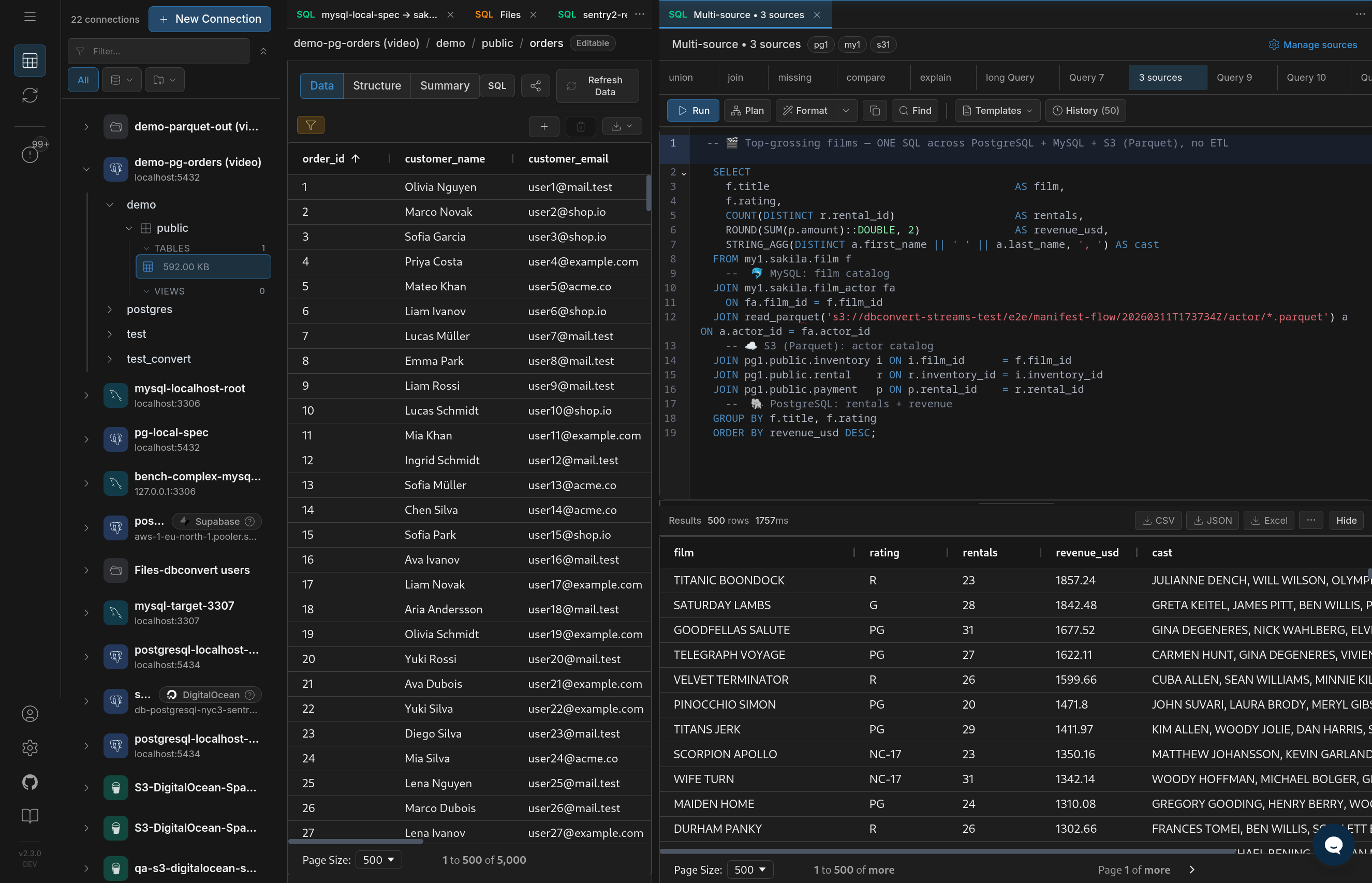
The worked example: confirming a conversion
You used a DBConvert tool to move a PostgreSQL orders table — say into a Parquet export for an analytics handoff, or into a fresh MySQL target.
In Data Explorer, open the source PostgreSQL orders table and the MySQL target table side by side. Filter both to the same order_date range. Sort both by order_id. Scan for gaps and count mismatches without writing a verification script and without leaving the workspace. If a total_amount looks off in three rows, you see it in the grid instead of discovering it in production a week later.
Same flow runs before a conversion, not just after: open the source, spot the strange values, fix or flag them, then run the DBConvert job against clean input.
Checking and cleaning source rows in Data Explorer before running a DBConvert migration.
When this is worth opening
- you ran a conversion into a PostgreSQL or MySQL target and want to review it before calling it done
- you need to review a source table next to a Parquet or CSV export
- a JSON or CSV file has to be checked before it becomes the input to a DBConvert job
- an S3 folder needs a look before anyone builds a pipeline on it
- you just want a free database grid for MySQL or PostgreSQL without buying another SQL client
Where to go next
- Data Explorer — full feature overview, no account needed to start
- Database Explorer docs — setup and usage
- Cross-Database SQL · ER Diagram Tool
Your DBConvert tool moves the data. Data Explorer gives you a free place to inspect the MySQL/PostgreSQL side before and after the run.